
Image: AI-generated with Google Flow
Retrieval-Augmented Generation (RAG) Explained Without the Jargon
You upload a price list, a policy manual or a stack of lecture notes to an AI tool, ask a question, and it answers with a quote from page 14. Behind most of these "chat with your documents" features sits one idea: retrieval-augmented generation, or RAG. This guide explains what it is in everyday language, why so many tools use it, where it goes wrong, how it differs from fine-tuning and long context windows, and how you can try it yourself without writing code.
What is retrieval-augmented generation?
Think of an AI chatbot as a well-read assistant who studied a huge library and then had it taken away. It talks fluently, but it only knows what it remembers, and it has never seen your files.
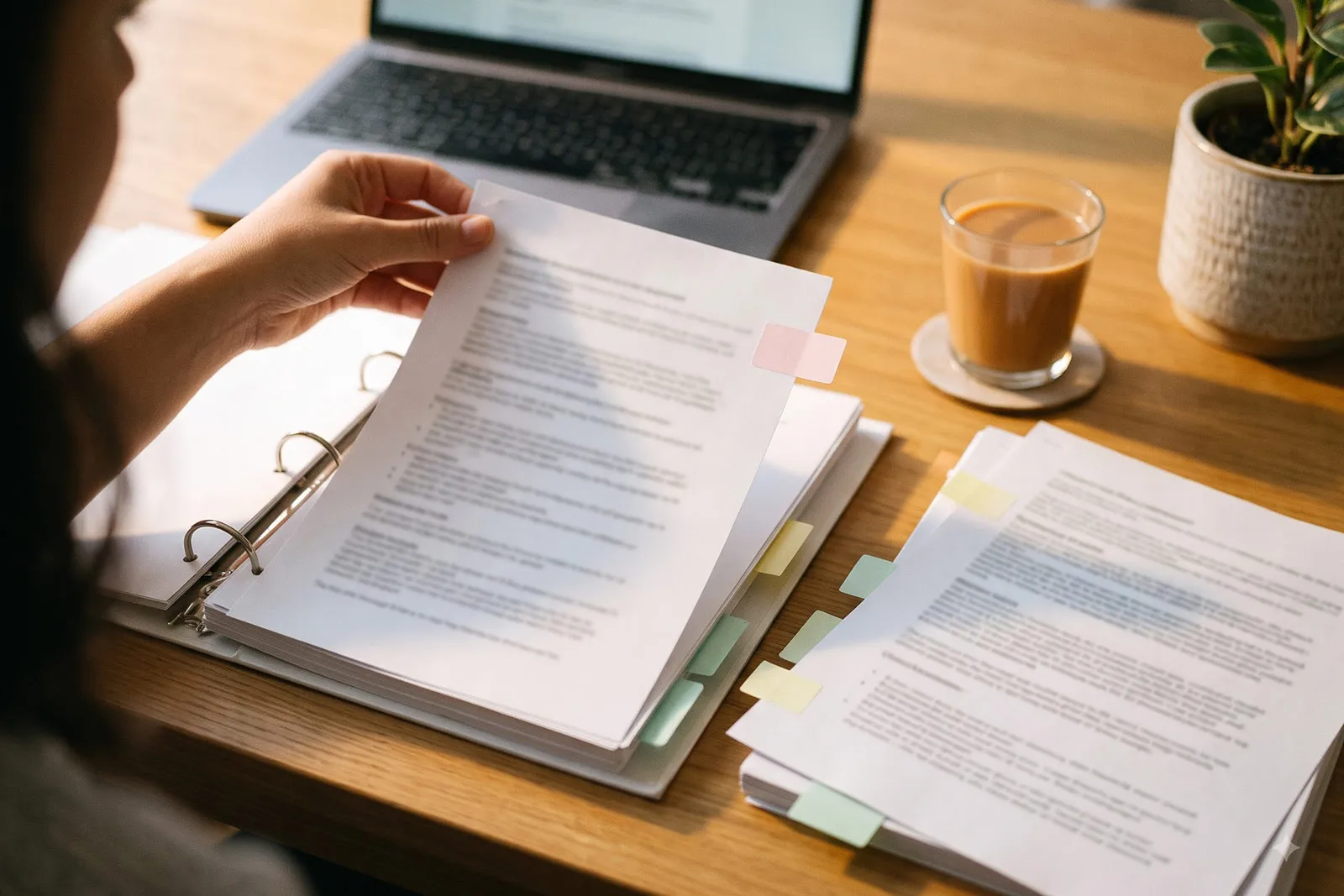
Retrieval-augmented generation gives that assistant an open-book exam. When you ask a question, the system first searches a set of documents for the most relevant passages (retrieval), adds them to your question, and asks the model to answer from them (generation).
The term comes from a 2020 research paper by Patrick Lewis and colleagues, presented at the NeurIPS 2020 conference and titled Retrieval-Augmented Generation for Knowledge-Intensive NLP Tasks. The authors described two kinds of memory: "parametric" memory, which is the knowledge baked into the model's internal numbers during training, and "non-parametric" memory, which in their case was a searchable index of Wikipedia. They noted that for models relying only on built-in memory, "providing provenance for their decisions and updating their world knowledge remain open research problems". Their RAG models generated "more specific, diverse and factual language" than a comparable model without retrieval.
Why not just let the model answer from memory?
Its training data stops at a certain date, it has never seen your private documents, and when it does not know something it may still produce a confident, plausible answer. Giving it the right passages addresses all three, at least partly.
How RAG works, step by step
Most RAG systems follow the same basic recipe, outlined in Anthropic's write-up on contextual retrieval.
- Split the documents into chunks. Long files are cut into smaller pieces, which Anthropic says are "usually no more than a few hundred tokens". A token is a fragment of text; LM Studio's documentation estimates one token at roughly three-quarters of a word (LM Studio, chat with documents).
- Turn each chunk into an "embedding". An embedding model converts each chunk into a list of numbers that captures its meaning, and these are saved in a searchable index, often called a vector store. Chunks about similar topics get similar numbers, even if they use different words.
- Search when you ask a question. Your question is converted the same way, and the system pulls out the chunks whose meaning is closest. Many tools also run a keyword search; OpenAI's file search tool performs "semantic and keyword search" across uploaded files (OpenAI, file search).
- Generate the answer. The best-matching chunks are pasted into the prompt alongside your question, and the model writes a reply. Many tools attach citations so you can check which passage was used.
A simple example
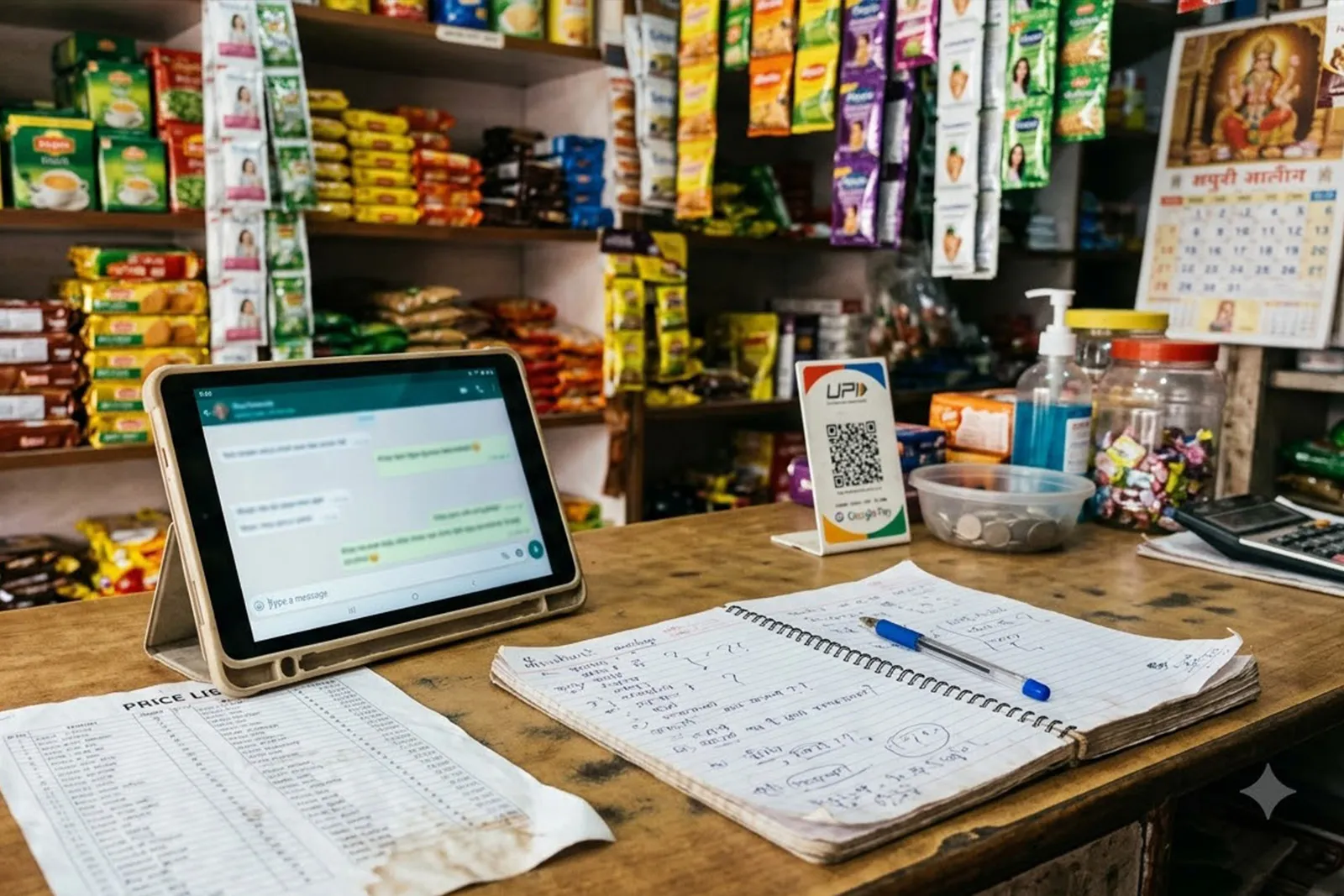
A small travel agency in Jaipur uploads its staff handbook. An employee asks how much notice customers need for a free cancellation. The system finds the paragraphs about cancellations, hands them to the model, and the model replies with a citation. It did not "learn" the handbook; it read the relevant bit just before answering.
RAG does not teach the model your documents. It hands the model the right pages at the moment you ask, much like an open-book exam.
Why "chat with your documents" tools use RAG
RAG needs no retraining for each user, documents can be added or removed at any time, and answers can point back to the source passage. OpenAI's guide to optimising LLM accuracy frames the choice as two different problems: context optimisation, needed when "the model lacks contextual knowledge because it wasn't in its training set", and LLM optimisation, needed when the model produces inconsistent results or incorrect formatting. RAG is the standard answer to the first problem.
Mainstream products now build RAG in quietly. Anthropic's help centre says that when knowledge uploaded to a Claude Project "approaches context limits, Claude seamlessly enables RAG mode to expand capacity by up to 10x", a feature available on paid plans (Claude Help Centre, What are projects?). LM Studio, the desktop app for running models offline, adds a short document to the conversation in full, and switches to RAG only when a file is too long to fit in the model's working memory (LM Studio, chat with documents).
Where RAG goes wrong
1. Bad retrieval
If the search step finds the wrong passages, the model has nothing useful to work with. OpenAI's guide puts it bluntly: "You can supply the wrong context, so the model can't possibly answer." Chunking makes this worse when a passage loses meaning once cut from its surroundings. Anthropic's example is a chunk reading "The company's revenue grew by 3% over the previous quarter", which names neither the company nor the quarter. Its contextual retrieval technique, which adds a short explanatory note to the start of each chunk before indexing, reduced the rate of failed retrievals in its tests by 49%, and by 67% when combined with a reranking step (Anthropic, contextual retrieval).
2. The right passage, the wrong conclusion
Even with the correct text in front of it, a model can misread it. OpenAI's guide notes that "the model can also get the right context and do the wrong thing with it", and that pulling in too much loosely related material can drown out the relevant facts. Research on long inputs adds a twist: a 2023 study by Nelson F. Liu and colleagues found that models perform best when the relevant information sits at the beginning or end of the input, and worse when it is buried in the middle (Liu et al., Lost in the Middle).
3. Hallucination is reduced, not removed
A 2024 study by Varun Magesh and colleagues tested leading RAG-based legal research tools, including Lexis+ AI and Westlaw's AI tools, and found they "each hallucinate between 17% and 33% of the time". The same study found hallucinations were reduced compared with a general-purpose chatbot, and concluded that the providers' claims of reliability were "overstated" (Magesh et al., Hallucination-Free?). The lesson: always check the citation for anything that matters.
4. Stale or messy documents
A RAG system is only as current as its index. If last year's price list is still in the folder, it may be retrieved alongside this year's. Some tools refresh automatically: Google says sources imported from Google Drive into its notebook tool are "auto-updated and will sync every few minutes" (Gemini Notebook Help, sources). Files uploaded directly usually do not update themselves, so remove outdated versions.
5. Security and privacy risks
The OWASP GenAI Security Project lists "vector and embedding weaknesses" among its top risks for AI applications. It warns that weak access controls can expose sensitive information through retrieval, and that poisoned documents can steer answers; one example is a CV with hidden instructions that a RAG-based screening system later follows (OWASP, LLM08:2025). For a small business, that means: load only documents you trust, and keep files out of a shared assistant if not every user may see them.
RAG vs fine-tuning vs long context windows
These three approaches solve different problems, and many systems combine them.
| Approach | What it does | Good for | Watch out for |
|---|---|---|---|
| RAG | Looks up relevant passages at question time and gives them to the model | Large or frequently changing document collections; answers with citations | Retrieval misses, stale indexes, setup quality |
| Fine-tuning | Further trains a model on many examples so its behaviour changes | Consistent behaviour and formatting on a specific task | Needs good training examples; does not update itself when documents change |
| Long context window | Pastes whole documents into the prompt | Smaller collections that fit in one go | Cost and speed with very long inputs; facts in the middle can be overlooked |
Sources: OpenAI, optimising LLM accuracy, Google, long context and Liu et al.
Fine-tuning changes behaviour, not the bookshelf
OpenAI's guide treats fine-tuning as a fix for behaviour: making outputs consistent, following a format, or reaching the same accuracy with shorter prompts. In one case study in that guide, adding RAG on top of a fine-tuned model actually lowered accuracy by four points, because the model already had the knowledge it needed and the problem was behaviour. In short, fine-tune when the model answers in the wrong way, and use RAG when it lacks the facts.
Do long context windows make RAG obsolete?
Not entirely. Google's documentation says Gemini models offer context windows "of 1 million or more tokens", roughly the length of eight average English novels, but still says techniques like RAG "remain valuable in specific scenarios" (Google, long context). Anthropic gives a practical rule of thumb: if your knowledge base is smaller than 200,000 tokens, about 500 pages, you can often include all of it in the prompt instead of building a RAG system (Anthropic, contextual retrieval). For larger or changing collections, retrieval remains sensible.
How to try RAG without writing code
Gemini Notebook (formerly NotebookLM)
Google renamed NotebookLM to Gemini Notebook in July 2026, and says existing links and shared notebooks redirect automatically (Google Workspace Updates). You create a notebook, add sources, and ask questions; Google's help page says "the model uses the sources you upload to answer your questions". Supported sources include PDFs, Word, text, Markdown, CSV and PowerPoint files, Google Docs, Slides and Sheets, web URLs and YouTube links. Each source can contain up to 500,000 words or 200MB for uploaded files, and free users can include up to 50 sources (Gemini Notebook Help, sources).
Claude Projects
In a Claude Project, you upload documents, text or code to a project knowledge base, and Claude uses them as context for every chat in that project. Free accounts can create up to five projects; the expanded RAG mode for large knowledge bases is limited to paid plans (Claude Help Centre). Other assistants offer similar features; check each vendor's current documentation.
LM Studio (offline, on your own computer)
If your documents must not leave your machine, LM Studio lets you attach .docx, .pdf and .txt files to a chat with a locally running model. Its offline guide says "all document processing is done locally, and nothing you upload into LM Studio leaves the application" (LM Studio, offline operation). The documentation is candid that RAG "sometimes works really well, but sometimes it requires some tuning and experimentation", and suggests including in your question the terms you expect to appear in the source. Our guide to running AI models locally covers the hardware you need.
Tips for getting better answers from your documents
- Clean the pile first. Remove old versions, duplicates and drafts so the search cannot pick the wrong one.
- Use clear headings and file names. Passages that carry their own context are easier to find.
- Ask specific questions. Use the words your documents use, as LM Studio advises. Our AI prompt framework helps here.
- Check the citation. Open the quoted passage for anything involving money, health, law or customers.
- Ask it to say "not found". Instruct the assistant to reply that the answer is not in the documents rather than guessing.
To put this to work for customers or staff, our guide to building a custom AI assistant for a small business walks through the options, and our comparison of Zapier, Make and n8n shows how to connect an assistant to the rest of your tools.
The bottom line
Retrieval-augmented generation is a simple idea with a technical name: find the relevant pages, then let the AI answer from them. It is why chatbots can quote your handbook or use information newer than their training data. It also has limits: retrieval can miss, indexes go stale, and models still invent details even with the right text in front of them. Start with a ready-made tool such as Gemini Notebook, Claude Projects or LM Studio, feed it clean and trusted documents, read the privacy terms, and always check the citation before acting on an answer.
Frequently asked questions
Is RAG the same as training an AI on my data?
No. RAG does not change the model; it searches your documents when you ask and passes the relevant passages along. Fine-tuning further trains the model on examples and changes how it behaves.
Does RAG stop AI hallucinations?
It reduces them but does not stop them. A 2024 study of RAG-based legal research tools found incorrect or misleading output 17% to 33% of the time, even though the tools did better than a general-purpose chatbot. Always check the cited passage.
Do I need RAG if my AI tool has a huge context window?
Not always. Anthropic suggests that a knowledge base under about 200,000 tokens, roughly 500 pages, can often be placed directly in the prompt. For larger or frequently updated collections, RAG is still more practical.
Is it safe to upload business documents to a RAG tool?
It depends on the tool and your account type. Read the provider's privacy page, and use a local tool such as LM Studio when documents must stay on your own device.
What is the easiest way to try RAG?
Create a notebook in Gemini Notebook, upload a few PDFs or Google Docs, and ask questions about them. For documents that must stay offline, try LM Studio's document chat instead.
Sources
- Retrieval-Augmented Generation for Knowledge-Intensive NLP Tasks, Lewis et al., arXiv (NeurIPS 2020), 2020.
- Lost in the Middle: How Language Models Use Long Contexts, Liu et al., arXiv (TACL), 2023.
- Hallucination-Free? Assessing the Reliability of Leading AI Legal Research Tools, Magesh et al., arXiv, 2024.
- Introducing Contextual Retrieval, Anthropic, 2024.
- Optimizing LLM Accuracy, OpenAI API documentation, accessed 2026.
- File search, OpenAI API documentation, accessed 2026.
- Long context, Google AI for Developers, accessed 2026.
- LLM08:2025 Vector and Embedding Weaknesses, OWASP GenAI Security Project, 2025.
- NotebookLM is now Gemini Notebook, Google Workspace Updates, 2026.
- Add or discover new sources for your notebook, Gemini Notebook Help, accessed 2026.
- Privacy and Terms of Use in Gemini Notebook, Gemini Notebook Help, accessed 2026.
- What are projects?, Claude Help Centre, accessed 2026.
- Chat with Documents, LM Studio documentation, accessed 2026.
- Offline Operation, LM Studio documentation, accessed 2026.